SERVICE · REMOTE FROM MEXICO
Business process automation and system integration
Copying data from one system to another, building the same report every Monday or reading emails to log orders are tasks a computer does better. I automate those processes with Python and Node.js: I connect your tools through APIs, transform the data and alert you when something needs a human.
This is a fit if…
- Someone on your team spends hours each week copying and pasting between systems.
- Reports are assembled by hand and always arrive late or with errors.
- You use several tools — CRM, spreadsheets, store, email — that do not talk to each other.
- You want alerts when something important happens instead of checking everything all day.
What you get
- Task inventory: inputs, rules, outputs and exceptions.
- Automation scripts or services with a log of every run.
- Integrations via API, webhooks or files, with data validation.
- Email or chat alerts when something fails or needs review.
- Documentation to operate, pause or change the automation.
How I work
- 01
Measure the task
We estimate how much time it takes today and how many errors it causes. If automating it does not pay off, I will say so.
- 02
Design the flow
We define rules and exceptions: what runs on its own and what stays for human review.
- 03
Build and test
I build the automation and run it in parallel with the manual process on real data until the results match.
- 04
Run it
It runs on a server or in the cloud, with logs and alerts so you know it is healthy.
What I need from you
- Access, or a test user, for the tools that need to be connected.
- Examples of expected inputs and outputs, including edge cases.
- Who should receive alerts when something fails.
Good to know
- If a platform has no API or export, the integration can be fragile; we assess that before committing.
- Automations need maintenance when connected systems change.
- Third-party costs such as APIs or servers are billed separately.
Problems I solve with this service
Appointment reminder automation for clinics
Automatic confirmations and reminders by text or WhatsApp to reduce no-shows, without your front desk calling all afternoon.
Read solution →Excel report automation for your business
The report someone builds every week by copying and pasting, generated automatically, validated and in your inbox on time.
Read solution →Connect web forms, CRM and spreadsheets
Every lead or request lands in the right place without anyone copying it between tools by hand.
Read solution →Related work
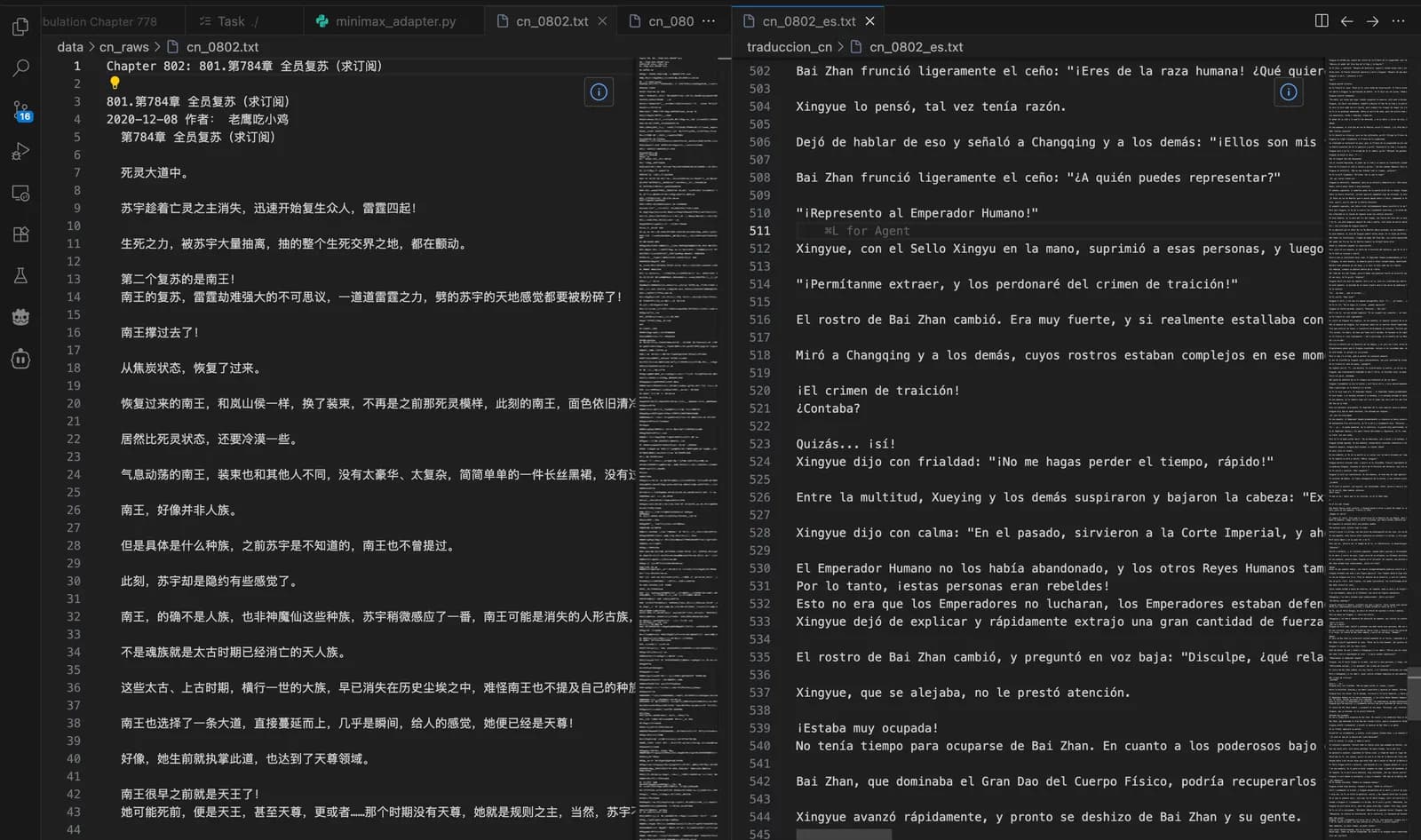
NLP Pipeline
Multi-model extraction and translation of web content, with batch processing and consistency checks.
View case study →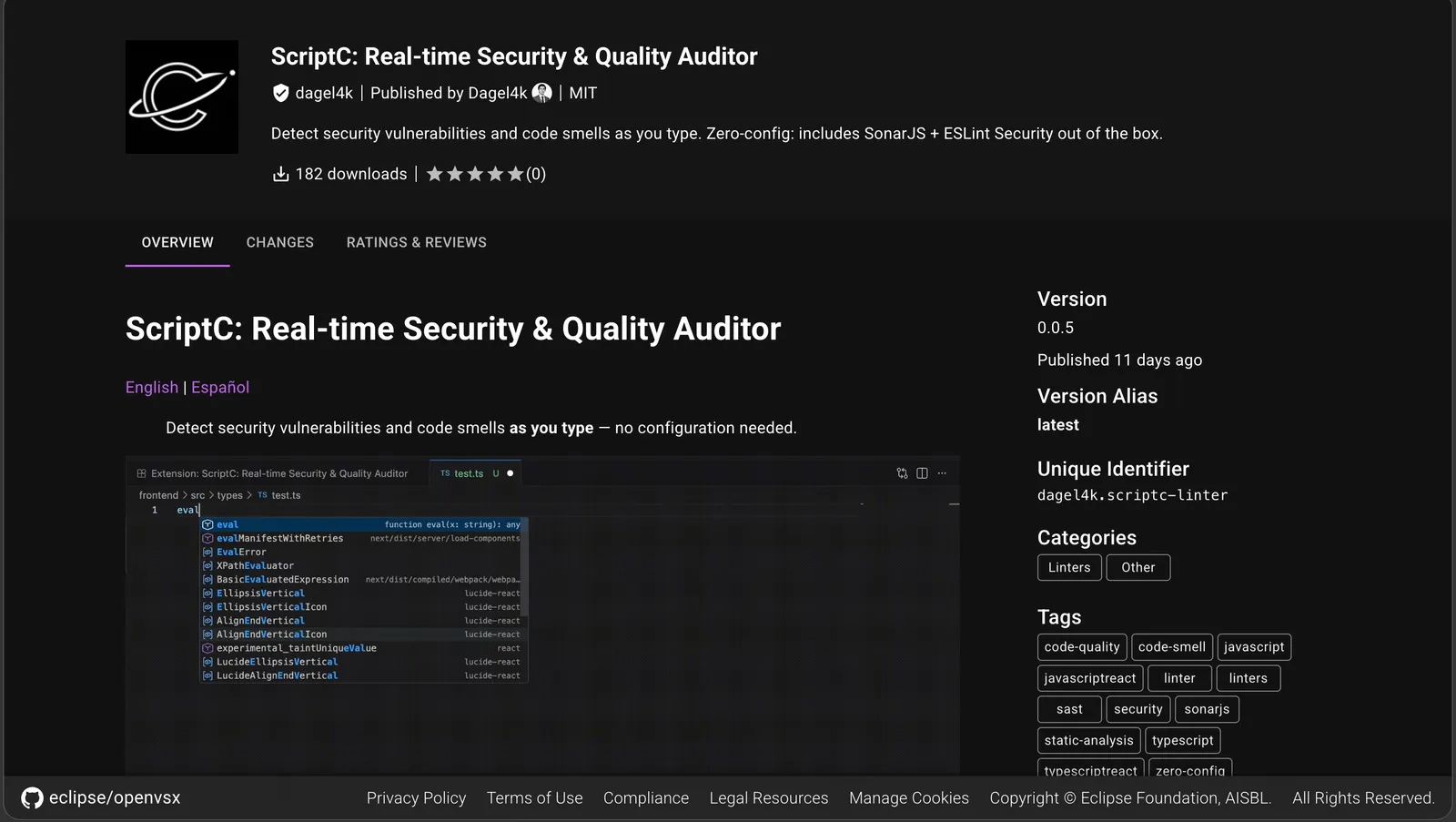
ScriptC
A local static analysis orchestrator. Multiple audit engines, one tool for the team.
View case study →
ARE Engine
An engine connecting brand analysis, content generation and website creation for local businesses.
View case study →Make a better-informed decision
Custom software development cost in 2026: Mexico vs the US
Most 2026 benchmarks put custom software between $25,000 and $250,000, with small and mid-sized projects usually at $30,000–$100,000 according to a GoodFirms survey. Building with a nearshore developer in Mexico typically costs well under half the US hourly rate, but scope, integrations and maintenance move the total far more than location does.
AIWhatsApp chatbot for business: how the API works and what it costs
A WhatsApp chatbot for business runs on the official WhatsApp Business Platform (Cloud API): your bot receives messages through a webhook and replies with your own logic or an AI model. Since July 1, 2025 Meta charges per template message delivered, while replies inside the 24-hour customer service window are free.
AutomationHow to automate Excel reports with Python (practical guide)
To automate an Excel report with Python, use pandas to read and combine the source files, clean the data, calculate the summaries you build by hand today, and write the result to a new workbook; openpyxl handles formatting, and a scheduler such as cron or Windows Task Scheduler runs it every day or week without anyone opening Excel.
Frequently asked questions
Which processes should we automate first?
The ones that repeat often, follow clear rules and currently cause errors or delays. A good candidate is any task someone describes as "I always do the same thing".
Do we need to change our current tools?
Usually not. The goal is to connect what you already use; I only suggest replacing a tool if it blocks the automation.
What happens if the automation fails?
Every run is logged and errors trigger an alert. Data is not lost: whatever could not be processed stays pending for review.
How much does it cost to automate a process?
It depends on how many systems are involved, whether they have APIs and how many exceptions the process has. A task with two systems and clear rules is far simpler than a flow with several approvals.
Want to talk it through?
Tell me what you need to solve. I’ll reply with specific questions, a possible scope and a clear next step — no commitment.